Inventory & Warehouse
Build a Inventory with Barcode Scanner App with Glide
An Inventory with Barcode Scanner app built on Glide combines complete inventory management with built-in barcode scanning — giving your team a single tool for tracking stock, processing movements, and conducting counts using only the phones they already carry. GlideApps Agency builds scan-enabled inventory apps that streamline the entire workflow from receiving dock to shipping bay.
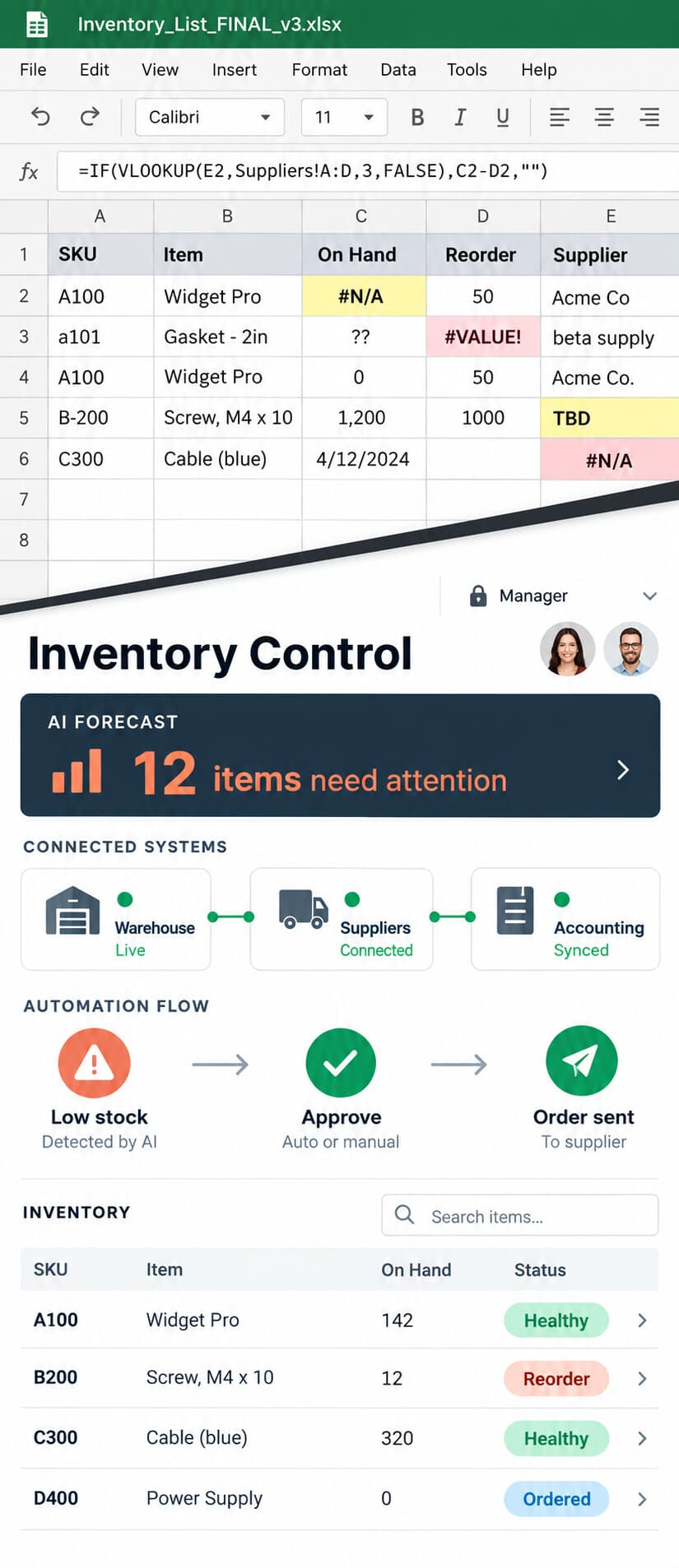
GlideApps Agency builds production-ready Inventory with Barcode Scanner apps for enterprises and growth-stage companies — 350+ Glide apps delivered since 2019, with deep expertise in inventory & warehouse. Projects start at $15,000 with typical delivery in 4–8 weeks.
What does building a Inventory with Barcode Scanner app include?
Every engagement includes discovery, data architecture, UI/UX design, development, QA, and post-launch support — not just a build-and-handoff.
Discovery & Architecture
Requirements mapping, data modeling, integration planning, and platform-fit assessment before a single screen is built.
UI/UX Design
Wireframes and interactive prototypes designed for your users — not generic templates. Optimized for mobile and desktop.
Development & QA
Built by certified Glide experts with enterprise experience. Rigorous testing across devices, roles, and data volumes.
Launch & Support
User training, documentation, and ongoing maintenance. We don't disappear after deployment.
Key features of your Inventory with Barcode Scanner app
Integrated Scan-and-Manage Workflow
Scan a barcode to instantly pull up the item record, then take action — adjust quantity, log a transfer, update condition, or add to a pick list — without switching between apps or screens.
Multi-Workflow Scanning Modes
Switch between scanning modes — receiving, picking, counting, transferring — so the same scan action feeds the correct workflow depending on what the user is currently doing.
Scan Validation & Error Prevention
The app validates every scan against expected items for the current task, alerting the user immediately if they scan the wrong item or an item not on the current order or count list.
Offline Scan Queue
In areas with poor connectivity, scans are queued locally and sync to the server when the device reconnects, so warehouse staff in dead zones never lose their work.
Who uses a Inventory with Barcode Scanner app?
How much does a Inventory with Barcode Scanner app cost?
Projects start at $15,000 for internal business apps. Most clients invest $40,000–$80,000 annually across development, iteration, and support.
| Project Type | Timeline | Starting At |
|---|---|---|
| Internal Business App | 4–6 weeks | $15,000 |
| Client-Facing Portal | 4–6 weeks | $20,000 |
| Enterprise Platform | 6–8 weeks | $40,000 |
| Multi-App Architecture | 8–12 weeks | $50,000+ |
The Glide Sprint Process
How we build your Inventory with Barcode Scanner app
Discovery
Requirements, data modeling, and platform-fit assessment. We define scope before writing a line of logic.
Architecture
Data structure, security model, integration map, and user roles. The blueprint that prevents rework.
Build
Iterative development with weekly demos. You see progress, not just status updates.
QA & Launch
Cross-device testing, user acceptance, and production deployment with rollback safety.
Support
Ongoing maintenance, feature iterations, and scaling support. We don't disappear after launch.
Frequently asked questions about Inventory with Barcode Scanner apps
What is the advantage of an integrated barcode scanner versus a standalone scanner app?+
Can the app work with our existing barcode labels?+
How do we switch between scanning for receiving versus picking?+
Can supervisors see scanning activity in real time?+
Does the app support bulk scanning for large shipments?+
Related apps you might need
Inventory Management App
Inventory & Warehouse
Stock Management App
Inventory & Warehouse
Warehouse Management App
Inventory & Warehouse
Inventory Tracking App
Inventory & Warehouse
Barcode Inventory App
Inventory & Warehouse
Explore all our Inventory & Warehouse apps built with Glide.
“The project was very well organized, and yet flexible at the same time.”
Eric Quay — Owner & CEO, Yewneek Land
Ready to build your Inventory with Barcode Scanner app?
Schedule a consultation with our Senior Partners. We'll scope your project, recommend the right approach, and deliver in 4–8 weeks.