Retail & Point of Sale
Build a Store Dashboard App with Glide
The best retail decisions are made with real data — but most retail managers are flying blind between weekly or monthly reports. GlideApps Agency builds store dashboard apps that give retail managers and owners a live view of store performance — sales, inventory, traffic, and team metrics updated in real time so decisions can be made today, not next week. We've built retail analytics dashboards for stores ranging from single locations to 100+ location chains.
GlideApps Agency builds production-ready Store Dashboard apps for enterprises and growth-stage companies — 350+ Glide apps delivered since 2019, with deep expertise in retail & point of sale. Projects start at $15,000 with typical delivery in 4–8 weeks.
What does building a Store Dashboard app include?
Every engagement includes discovery, data architecture, UI/UX design, development, QA, and post-launch support — not just a build-and-handoff.
Discovery & Architecture
Requirements mapping, data modeling, integration planning, and platform-fit assessment before a single screen is built.
UI/UX Design
Wireframes and interactive prototypes designed for your users — not generic templates. Optimized for mobile and desktop.
Development & QA
Built by certified Glide experts with enterprise experience. Rigorous testing across devices, roles, and data volumes.
Launch & Support
User training, documentation, and ongoing maintenance. We don't disappear after deployment.
Key features of your Store Dashboard app
Real-Time Sales Performance
See today's sales versus target, yesterday versus this time last week, and trending at the current run rate toward the monthly goal — with drill-down by department, category, and time of day for actionable context.
Inventory Health Indicators
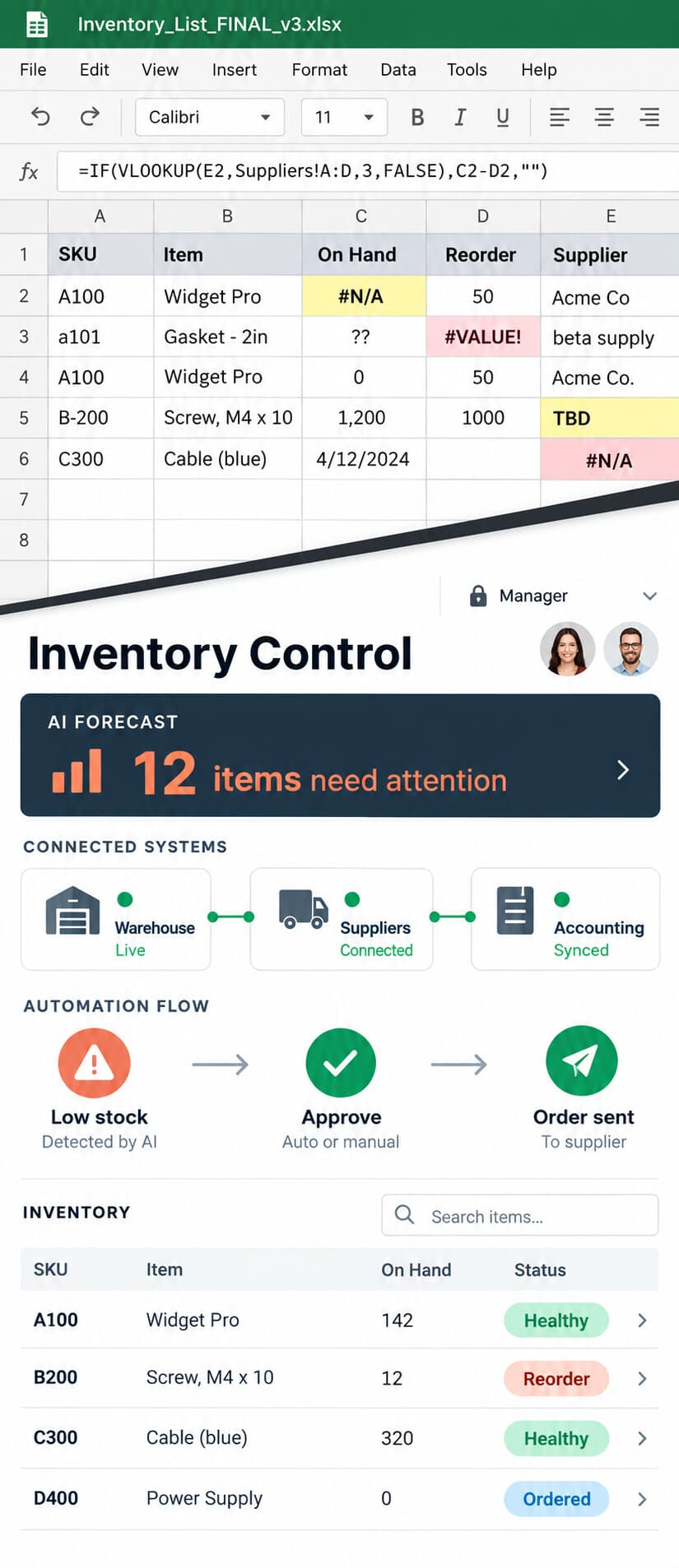
Monitor inventory turnover, days-on-floor by category, and low-stock alerts — flagging inventory management issues before they become lost sales or margin erosion problems.
Team Performance Metrics
Track sales by team member, conversion rates (when traffic data is available), items per transaction, and hours worked — giving managers the data to coach individual performance and staff decisions.
Trend & Comparison Reporting
Compare current period to prior period, current year to prior year, and this location to other locations in the chain — with the comparative context that turns data into meaningful performance insight.
Who uses a Store Dashboard app?
How much does a Store Dashboard app cost?
Projects start at $15,000 for internal business apps. Most clients invest $40,000–$80,000 annually across development, iteration, and support.
| Project Type | Timeline | Starting At |
|---|---|---|
| Internal Business App | 4–6 weeks | $15,000 |
| Client-Facing Portal | 4–6 weeks | $20,000 |
| Enterprise Platform | 6–8 weeks | $40,000 |
| Multi-App Architecture | 8–12 weeks | $50,000+ |
The Glide Sprint Process
How we build your Store Dashboard app
Discovery
Requirements, data modeling, and platform-fit assessment. We define scope before writing a line of logic.
Architecture
Data structure, security model, integration map, and user roles. The blueprint that prevents rework.
Build
Iterative development with weekly demos. You see progress, not just status updates.
QA & Launch
Cross-device testing, user acceptance, and production deployment with rollback safety.
Support
Ongoing maintenance, feature iterations, and scaling support. We don't disappear after launch.
Frequently asked questions about Store Dashboard apps
How does the dashboard get its data if we already have a POS system?+
Can we customize which metrics appear on the dashboard for different user roles?+
How often does the dashboard data update?+
Can we add custom KPIs specific to our business?+
Does the dashboard work on mobile phones for managers on the go?+
“Their responsiveness to our needs was exceptional.”
Jerry Hernandez — Executive Director, Integrated Community
Ready to build your Store Dashboard app?
Schedule a consultation with our Senior Partners. We'll scope your project, recommend the right approach, and deliver in 4–8 weeks.